Collections visibility & credit discipline

Stay on Top of Collections, Outstanding Balances and Credit Risk

See what is outstanding, identify overdue invoices, track collection payments through their lifecycle and apply credit controls with a clear audit trail. MyFieldHeroes helps distribution teams bring collections follow-up and credit discipline into the same workflow.

Outstanding management

Know What Is Due and How Long It Has Been Outstanding

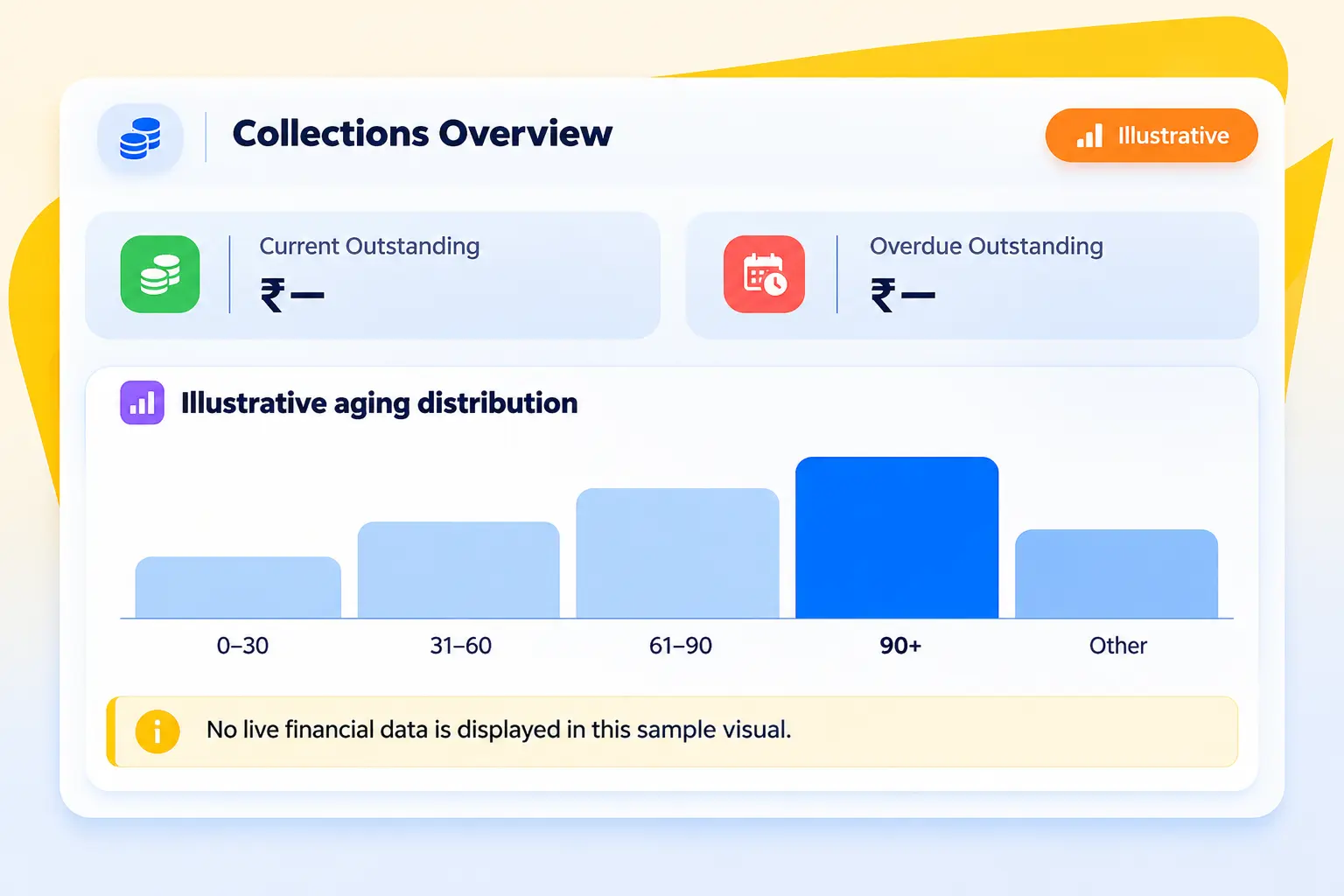
Bring current balances, overdue invoice dues and configurable aging ranges into a clearer collections view.

Current Outstanding

Use the maintained distributor outstanding total to see the balance that remains to be collected.

Overdue Outstanding

Derive overdue dues from invoice amounts using invoice date and the distributor's configured credit days.

Configurable Aging Buckets

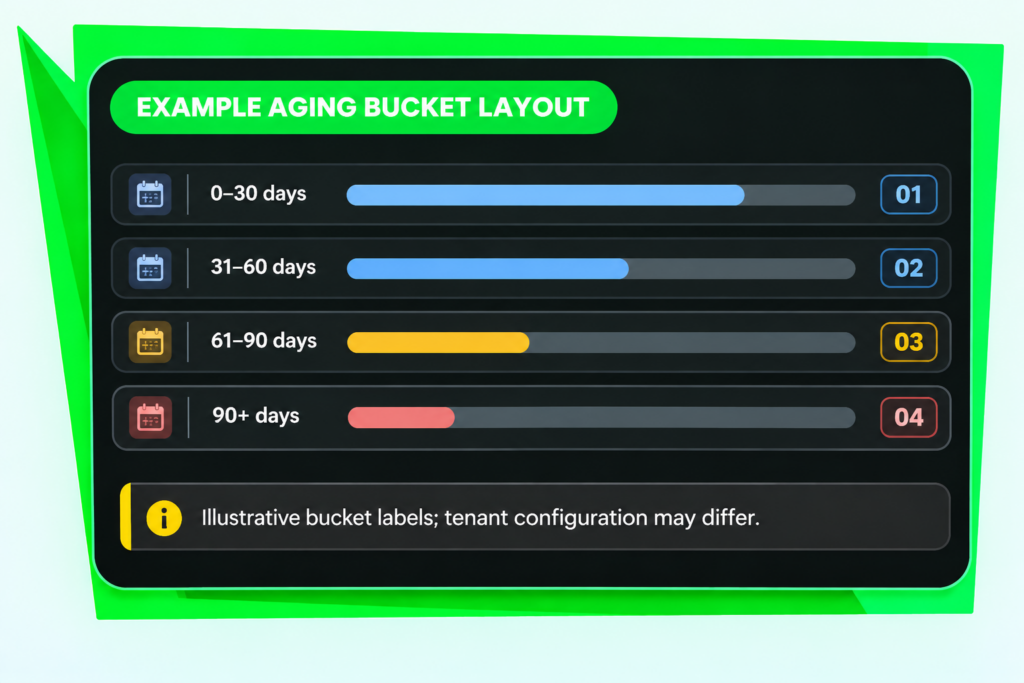
Organise dues into tenant-customized ranges such as 0–30, 31–60, 61–90 and 90+ days.
Flexible distributor relationships

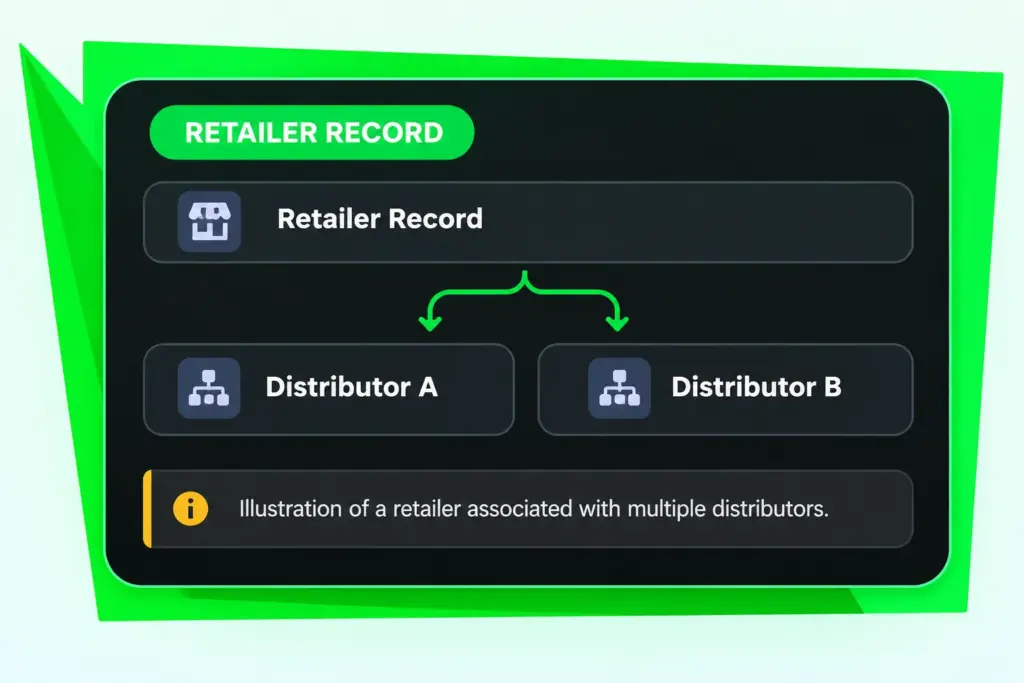
One Retailer Can Be Connected to Multiple Distributors

Retailer management follows the way distribution networks operate. When a distributor adds a retailer, the retailer is automatically mapped to that distributor. The same retailer can also be assigned to additional distributors.

Automatically map the retailer to the distributor who creates the record.

Assign an existing retailer to more than one distributor.

Review distributor associations in the retailer's Assigned Distributors section.

Use the Assign Distributor action to manage retailer-distributor associations.

Aging made configurable

Use Aging Ranges That Fit Your Business

The aging_buckets lookup table keeps bucket definitions configurable rather than hardcoding them into report queries. This supports tenant-specific aging bands for outstanding analysis.

Configure ranges such as 0–30 days.

Separate 31–60 and 61–90 day periods.

Track older dues in a 90+ day bucket.

Use the configured ranges in overdue aging evaluation and reporting.

Collection entry

Record Payments and Follow Their Lifecycle

Capture collection mode and reference details, then keep the payment’s current status visible as it moves through processing.

Cash & Cheque

Record cash collections and cheque receipts, including cheques that are pending clearance.

UPI & Bank Transfers

Record UPI or Bank payments. NEFT and RTGS are represented as Bank transfers, with UTR/reference captured in referenceNumber or remarks.

Payment Status Tracking

Track Pending, Cleared, Bounced and Cancelled statuses so payment records reflect their lifecycle.

Payment lifecycle statuses

Build the retailer record first, then use it across distributor assignment and field execution.

Pending

Recorded, not yet cleared

Cleared

Payment cleared

Bounced

Payment did not clear

Cancelled

Payment cancelled

Credit control

Apply Credit Rules Before Outstanding Risk Grows

Use order-time checks and overdue-based automatic blocking to help enforce distributor credit limits.

Credit Limit Warning

At order creation, compare current outstanding plus the new order total with the distributor's credit limit.

Maximum Outstanding Block

Apply a hard block when the combined outstanding and new order total exceeds the configured maximum outstanding.

Overdue Auto Blocking

A scheduled job evaluates overdue aging using configured aging buckets and can set the distributor status to Blocked.

Traceable credit actions

Keep an Audit Trail of Credit Decisions

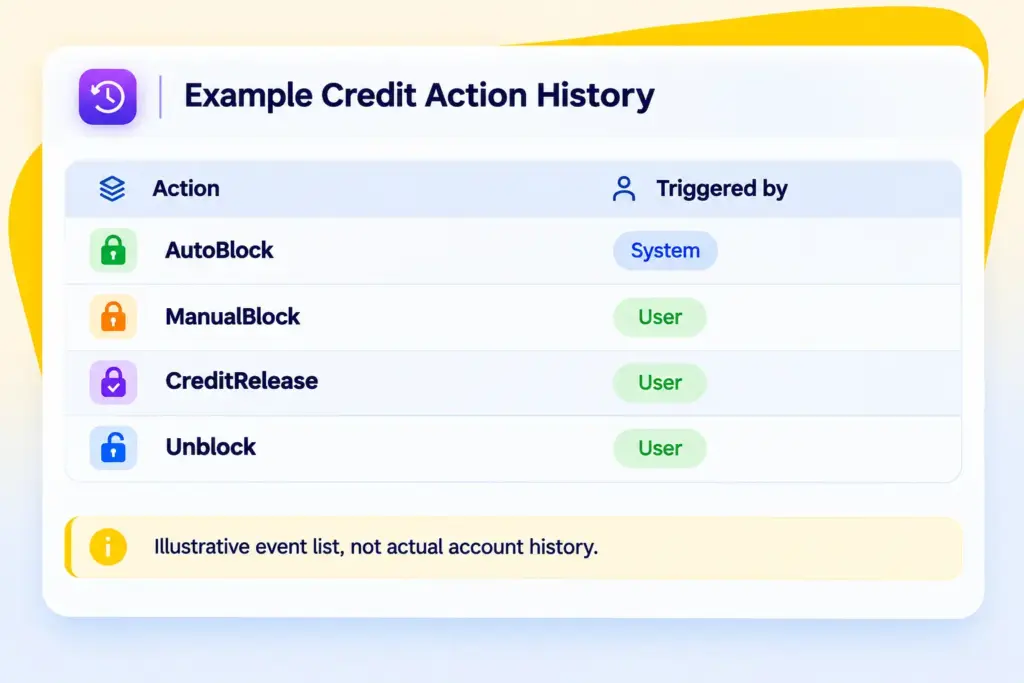
The distributor_credit_actions log records credit events and identifies whether the action was triggered by the system or a user. This gives credit-status changes a traceable history.

CreditHold and CreditRelease

AutoBlock and ManualBlock

Unblock

System or User trigger source

Questions people ask before Signing Up.

How is current outstanding tracked?

The distributors.outstandingAmount field is maintained as a running total and provides the current outstanding balance.

How is overdue outstanding calculated?

It can be derived from distributor invoice dueAmount values where invoiceDate plus the distributor’s creditDays is earlier than the current date.

Can aging buckets be configured?

Yes. The aging_buckets table supports tenant-customized ranges such as 0–30, 31–60, 61–90 and 90+ days.
Which payment modes are supported?

The paymentMode enum supports Cash, Bank, UPI and Cheque. NEFT and RTGS are recorded as Bank transfers, with the UTR or transfer reference captured in referenceNumber or remarks.

Can a cheque be recorded before it clears?

Yes. Pending status supports recording a payment before it clears. It can later be marked Cleared or Bounced, as applicable.

What happens when a payment bounces?

The payment can be marked Bounced so it stops counting toward paidAmount and the outstanding balance is adjusted correctly.

How does credit limit monitoring work?

At order creation, current outstanding plus the new order total is checked against creditLimit for a warning and against maxOutstanding for a hard block.

Can overdue accounts be blocked automatically?

A scheduled job evaluates overdue aging using aging_buckets and records an AutoBlock action triggered by System, setting the distributor status to Blocked.

Can users see why a distributor was blocked?

The distributor_credit_actions audit trail records CreditHold, CreditRelease, AutoBlock, ManualBlock and Unblock events, with triggeredBy identifying System or User.

Stop Managing Blind.

Start Leading with Data.

Book a 20-minute demo. We’ll show you exactly how MyFieldHeroes fits your workflow- whether you run 5 MRs or 500 field reps.

Secret Link