
Retailer Network Management

Manage Retailer Relationships Across Your Distribution Network

Create a structured retailer database with contact information, business details, mapped location and territory. Automatically map retailers added by distributors, assign a retailer to multiple distributors when needed, and connect retailer records with your secondary sales operations.

Structured retailer records

Everything Your Team Needs in a Retailer Profile

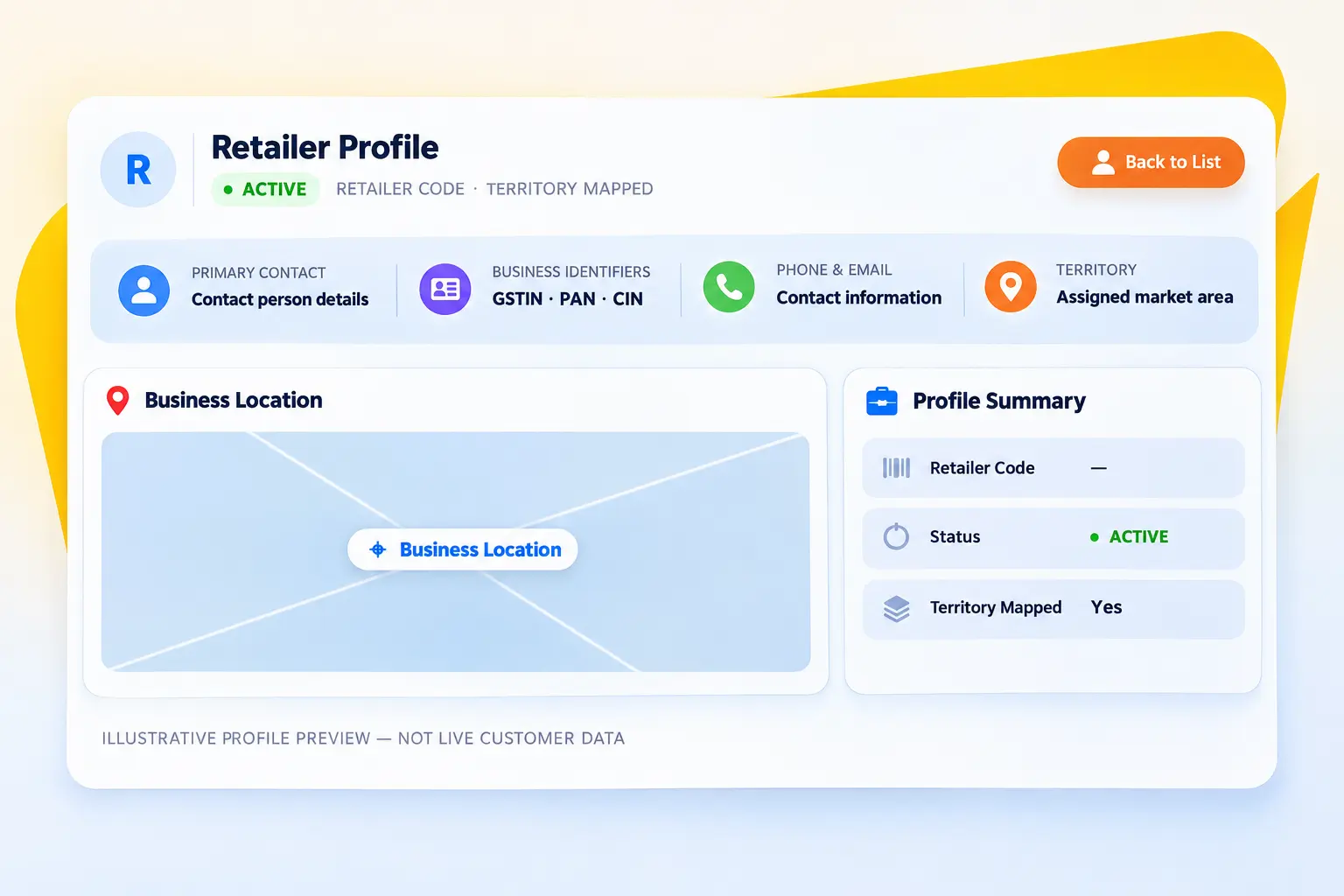
Keep the retailer’s identity, contacts, business information and location together in one accessible record.

Basic Retailer Profile

Capture retailer name, contact person, email and profile image, with a retailer code and active status in the detail view.

Complete Contact Details

Maintain primary, alternate and emergency phone numbers alongside the primary contact and email address.

Business Identifiers

Record GST number, PAN and CIN, and access the GST document from the retailer business profile.

Mapped Business Location

Search and capture the business address, view the retailer location on a map and keep the full address on the profile.

Territory Association

Associate retailers with a territory to organise the market and support territory-based secondary sales operations.

Retailer Record Access

Bring profile, contact, business and distributor-assignment information together for a clearer retailer view.
Flexible distributor relationships

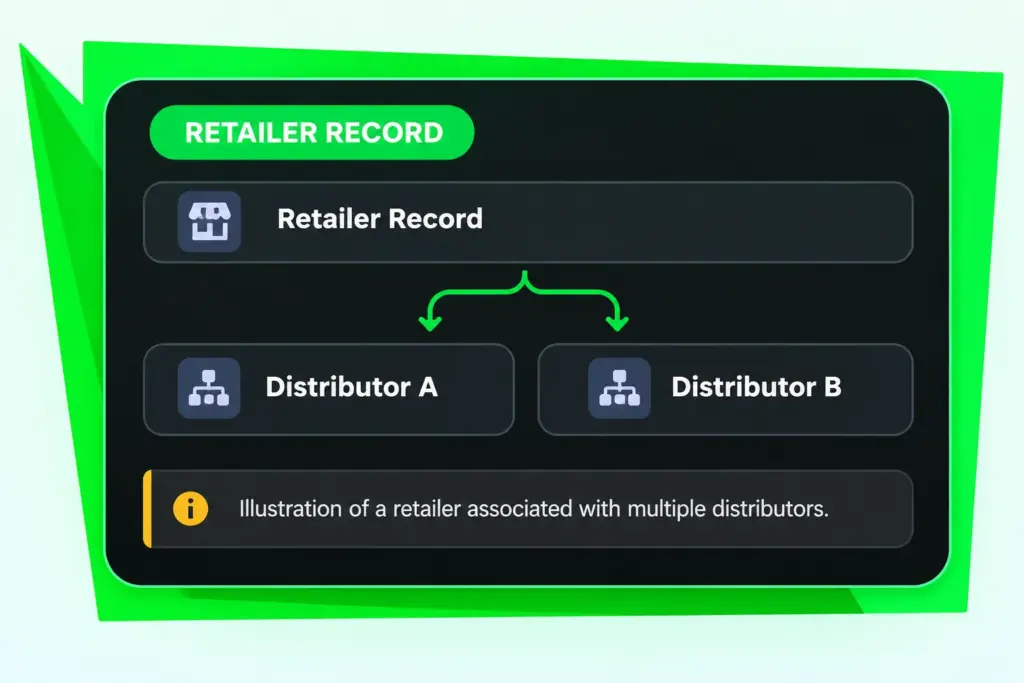
One Retailer Can Be Connected to Multiple Distributors

Retailer management follows the way distribution networks operate. When a distributor adds a retailer, the retailer is automatically mapped to that distributor. The same retailer can also be assigned to additional distributors.

Automatically map the retailer to the distributor who creates the record.

Assign an existing retailer to more than one distributor.

Review distributor associations in the retailer's Assigned Distributors section.

Use the Assign Distributor action to manage retailer-distributor associations.

Secret Link