
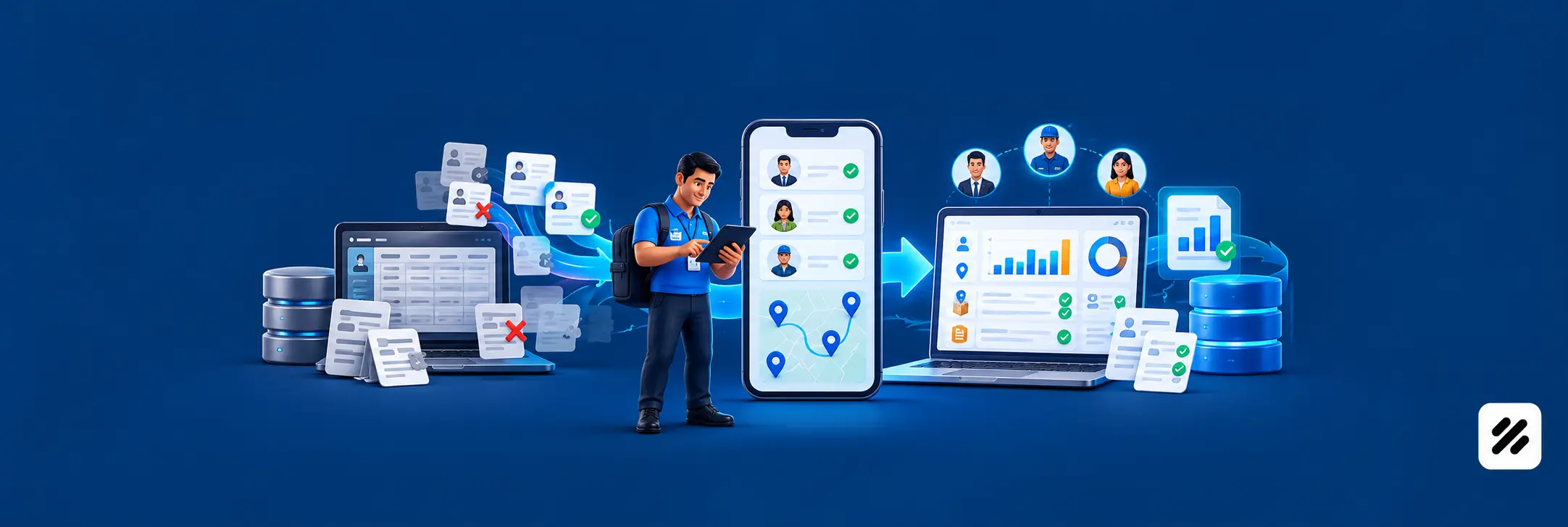

A field sales software data migration checklist helps businesses switch platforms while protecting customer records, sales history, and performance reports. Moving to a new system involves more than installing an application and creating employee accounts. Businesses must ensure that important sales data moves accurately.
Without careful planning, a migration can lead to lost information, duplicate customer records, and inaccurate reports. A clear plan helps businesses validate data, test the new system, and prepare employees for the change.
Key Takeaway
A successful migration depends on clean customer data, accurate field mapping, protected sales history, correct user access, and verified reports. Test these areas before moving the entire field team to the new platform.
Table of Contents
- Audit Your Existing Sales Data
- Clean and Validate Customer Records
- Map Data Fields Between Systems
- Preserve Sales History and Transactions
- Prepare Users and Permissions
- Rebuild and Validate Sales Reports
- Test Offline Workflows and Integrations
- Run a Pilot Before the Full Rollout
- Make Your Field Sales Transition Smoother
- Frequently Asked Questions
1. Audit Your Existing Sales Data
Start by reviewing what your current system contains. Decide which records the new platform needs and which outdated entries can be archived. This step helps prevent unnecessary data from entering the new system.
Create an inventory of the main data categories:
- Customer names, account IDs, and contact details.
- Sales representative and manager details.
- Product information and order records.
- Sales targets and performance reports.
- Expense claims, task history, and field visit records.
Identify who owns each data category and where the original records are stored. This makes it easier to resolve missing information before the migration begins.
2. Clean and Validate Customer Records
Poor-quality data can undermine even a well-designed sales management platform. Duplicate accounts, missing identifiers, and incorrect territory details can cause confusion after the move.
Complete these checks before exporting customer data:
- Remove duplicate customer records after confirming which entry is correct.
- Check that all required fields are complete.
- Verify customer identifiers and account ownership.
- Confirm that inactive accounts have the correct status.
- Find records with missing or invalid territory assignments.
Keep a record of the changes made during cleanup. This gives the migration team a clear reference if a problem appears after the data is imported.
3. Map Data Fields Between the Old and New Systems
Different field sales platforms may use different names and structures for the same information. One system might store an address in a single field, while another separates the street, city, and postal code.
User identifiers may also change between platforms. A sales representative’s ID in the old system may not match the user ID assigned in the new one. Create a data mapping document before importing any records.
| Existing Field | New System Field | Validation Requirement |
|---|---|---|
| Customer name | Account name | Match the correct customer |
| Customer ID | External customer ID | Preserve unique identifiers |
| Salesperson | Assigned representative | Match the correct user |
| Territory name | Sales territory | Verify territory ownership |
| Visit date | Visit timestamp | Preserve date and time |
| Order value | Order amount | Confirm currency and totals |
| Customer address | Address fields | Check formatting and completeness |
This mapping is especially important for CRM data migration for sales teams because customer relationships, representative assignments, and reports often depend on consistent identifiers.
4. Preserve Sales History and Transaction Records
Historical data gives representatives the context they need to maintain customer relationships. It also helps managers compare performance over time.
Before the migration, decide which historical records must remain available in the new system. Check the following:
- How far back historical records need to extend.
- Whether order dates and transaction values will remain unchanged.
- Whether customer records will retain their historical relationships.
- Whether old reports must remain available for audits or comparisons.
Check sample records after import. Confirm that dates, order values, customer links, and other important details match the original system.
5. Prepare Users and Permissions
A successful migration depends on employees being able to use the new software correctly from day one. Review the existing user list and decide who needs access to the new platform.
Map current employees to their new roles, remove obsolete accounts where appropriate, and confirm the access each role requires.
Field Sales
Representatives who manage customer visits and sales activity.
Territory Managers
Managers who review territory activity and team progress.
Regional Managers
Managers who need regional performance visibility.
Support Teams
Administrators, finance, and operations staff.
Test access with representative user accounts before launch. Employees should be able to complete their daily tasks, while sensitive information remains limited to authorized users.
6. Rebuild and Validate Sales Reports
Reports are easy to overlook during a software migration, yet managers rely on them to make daily decisions. The new system may calculate a metric differently from the old one. Comparing reports without accounting for these differences can lead to misleading conclusions.
During reporting validation:
- Compare total order values and sales volumes.
- Check completed visit counts by representative.
- Verify territory-level revenue totals.
- Confirm reporting periods and date filters.
- Document differences in metric definitions.
Use the same date range and comparable data in both systems. Investigate differences before treating the new reports as reliable.
7. Test Offline Workflows and Integrations
Field sales representatives may work in areas with unreliable internet access. Before switching platforms, check whether the new system supports the tasks employees need to complete while offline.
Test visit logging, expense entry, and other required workflows without a network connection. Then reconnect the device and confirm that records synchronize correctly. Check that repeated submissions do not create duplicate entries and that failed updates can be identified.
Also test any required integrations with CRM, accounting, inventory, or reporting systems. Platforms such as MyFieldHeroes offer field operations and sales-related workflows. Businesses considering a switch should confirm which capabilities are available in their chosen plan and test them against their actual requirements.
8. Run a Pilot Before the Full Rollout
Avoid migrating the entire field force without testing the process first. Choose a small group of representatives and managers from a representative territory.
Include users who handle different customer types and work under different connectivity conditions. Use the pilot to test:
- Customer record accuracy and account ownership.
- Visit, order, and expense record consistency.
- User access and daily task completion.
- Report totals and metric definitions.
- Offline workflows and required system integrations.
Keep a secure backup of the original data until the migration has been verified. Record problems during the pilot, correct them, and repeat the relevant tests before the full rollout.
Prepare for a Smoother Transition
Make Your Field Sales Transition Smoother
Planning to upgrade your field operations? Explore MyFieldHeroes to learn how field force automation can support attendance tracking and sales execution. Review the available features and request a demonstration to determine whether the platform fits your workflows.
Visit MyFieldHeroesConclusion
A successful field sales software transition starts with accurate data and consistent reporting. Businesses can reduce disruption and give their sales teams a stronger foundation for daily operations by checking customer records, mapping fields correctly, protecting sales history, and testing reports.
Use this checklist as a practical guide before switching platforms. A structured approach helps protect customer relationships, preserve important records, and maintain confidence in sales performance reports.
Frequently Asked Questions
Q1. What is a field sales software data migration checklist?
Ans: It is a structured list of tasks for preparing and testing information when switching field sales platforms that covers customer records and post-migration verification.
Q2. Which data should businesses migrate to a new field sales system?
Ans: Businesses migrate customer information and essential reports based on operational requirements and the capabilities of the new platform.
Q3. How can businesses prevent data loss during CRM migration?
Ans: Create a secure backup and reconcile record counts and transaction totals. Keep the original system or a verified archive available until the migration has been checked.
Q4. Why is sales history migration important?
Ans: It preserves information about previous orders and follow-ups that help representatives maintain customer relationships.